
Recommended VS Code Extensions for Flutter#
These are extensions I frequently use in Flutter and Dart-based projects.
Also, VS Code is great, but give Cursor a try too. You can import your extensions and settings directly.
ARB Editor#
- Description: ARB Editor helps you easily edit
.arb(Application Resource Bundle) files used for Flutter's localization support. - Pros: You can intuitively edit JSON-based
.arbfiles, making localization work much easier. It also provides auto-completion for keys and a feature to compare values across languages.
Awesome Flutter Snippets#
- Description: A collection of code snippets that accelerate Flutter development. It helps you quickly type frequently used code patterns.
- Pros: You can write complex code quickly and boost productivity. It has snippets for widget creation, state management, API calls, and more, maximizing development efficiency.
Build Runner#

- Description: An extension that lets you manage and run various code generation tools with
build_runner. It's especially used with code generation packages. - Pros: It's convenient for automatically generating code like JSON serialization and freezed, letting you perform code generation and builds easily without manually typing commands in the terminal.
Colonize#
- Description: An extension that adds a
;semicolon to the end of a code line via a command. - Pros: It reduces the repetitive effort of typing semicolons (
;) in class constructors when writing code, boosting productivity.
Dart#
- Description: The official extension for Dart programming language support. It's automatically installed when you install the Flutter extension, so you don't need to install it manually.
- Pros: It provides basic language support features like code completion, debugging, and syntax highlighting for Dart. Essential for Flutter development.
Error Lens#
- Description: An extension that displays errors and warnings inline on the code lines where they occur.
- Pros: It shows error messages inline, helping you quickly recognize and resolve issues. Especially useful in projects where fast error fixing is important.
Figma for VS Code#
- Description: Helps you open Figma designs directly in VS Code and easily extract related code or assets.
- Pros: It makes it easy to link design files with code, facilitating smooth collaboration between developers and designers.
Flutter#

- Description: The official VS Code extension for Flutter development.
- Pros: It greatly enhances the Flutter development experience with features like auto-completion for Flutter widgets, debugging, Hot Reload, and Flutter Doctor. The most fundamental and essential tool.
Flutter Intl#

- Description: An extension that helps you add localization support to Flutter applications.
- Pros: It automates localization using the
intlpackage and makes it easy to manage translation files. Very useful when developing multilingual apps.
Flutter Riverpod Snippets & Riverpod Snippets#
- Description: A collection of code snippets for Flutter developers using the Riverpod state management package.
- Pros: You can quickly write frequently used structures like Riverpod's
ProviderandConsumer, speeding up state management logic implementation.
GitHub Copilot#

- Description: An AI-powered code auto-completion extension provided by GitHub.
- Pros: AI predicts and suggests code, dramatically improving development speed. Especially useful when writing complex logic.
GitHub Pull Requests#
- Description: An extension that lets you manage GitHub Pull Requests directly from VS Code.
- Pros: You can review, comment, and approve PRs right within VS Code without opening a browser, making collaboration more convenient.
Image Preview#

- Description: An extension that lets you preview images referenced in your code directly within VS Code.
- Pros: When writing image paths in code, you can check them via preview without opening the file directly, speeding up development.
Project Manager#
- Description: An extension that helps you easily manage multiple projects within VS Code. When switching between multiple projects, it makes navigation really convenient, and despite being a simple feature, it's one of my favorites.
- Pros: You can quickly switch between frequently used projects, making it very useful when working on multiple projects simultaneously.
Sort Lines#

- Description: An extension that sorts selected text lines alphabetically.
- Pros: You can quickly sort lines in Dart, JSON, or various other code. Useful for readability and management.
TabOut#
- Description: An extension that moves the cursor outside of closing brackets, quotes, etc. when you press Tab while writing code.
- Pros: It reduces unnecessary cursor movement while writing code, improving productivity.
Version Lens#
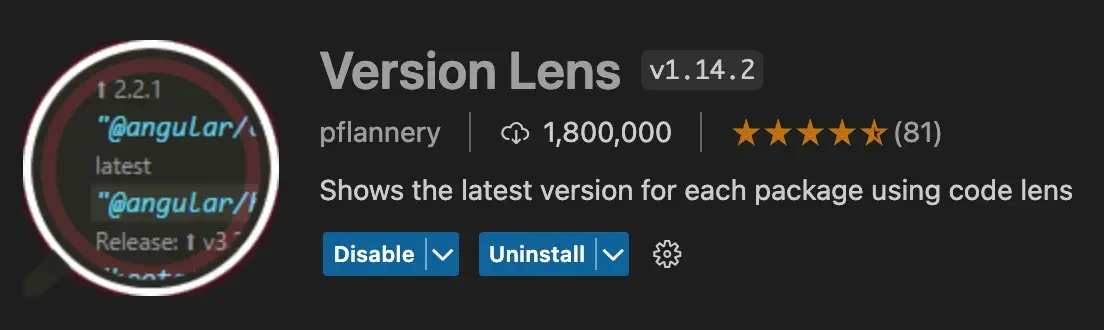
- Description: An extension that shows the latest versions of libraries used in your package files right inline.
- Pros: It's useful for managing package versions in
pubspec.yaml, letting you immediately see which packages can be updated to their latest versions.
YAML#
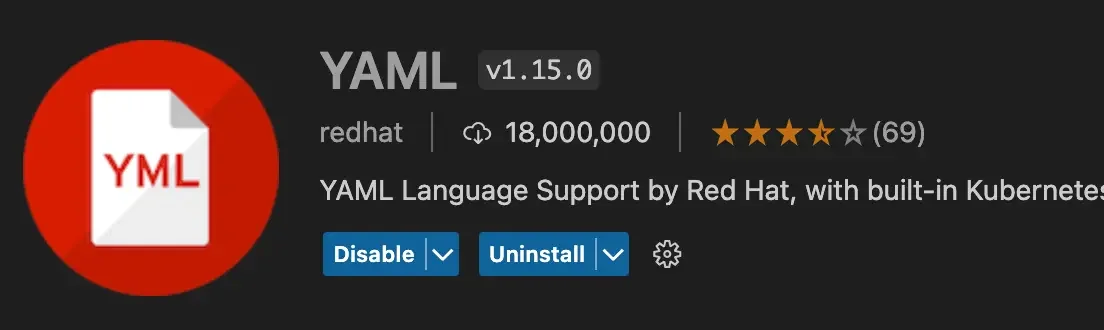
- Description: An extension that provides syntax highlighting and validation for YAML files.
- Pros: It makes it easy to detect errors in YAML configuration files like
pubspec.yamland improves code readability.
If you know of any other useful extensions, please share them!
Intelligence, imagination, and knowledge are essential resources, but only effectiveness converts them into results.
— Peter Drucker