
When working on a Flutter project in dev mode, you end up using Flutter DevTools a lot. But by default, a new tab opens inside VS Code, taking up half the width with the Widget Inspector.
I use a 27-inch monitor with the browser on the left half and VS Code on the right half, so when a new tab pops up, the space for viewing code gets extremely narrow. I had to manually switch it to the browser every time.
But I found a way to configure it through the .vscode/settings.json file so that DevTools opens in the browser automatically when dev mode starts! If you want to find this hint in the official docs, click this link.

First, open the command palette with cmd + shift + p.
Since I only want this to affect the current project, I selected Open Workspace Settings(JSON).
Then add the following code in JSON format.
{
  // Add this to your existing settings
  "dart.openDevTools": "always",
  "dart.devToolsBrowser": "chrome",
  "dart.devToolsLocation": {
    "default": "external"
  }
}
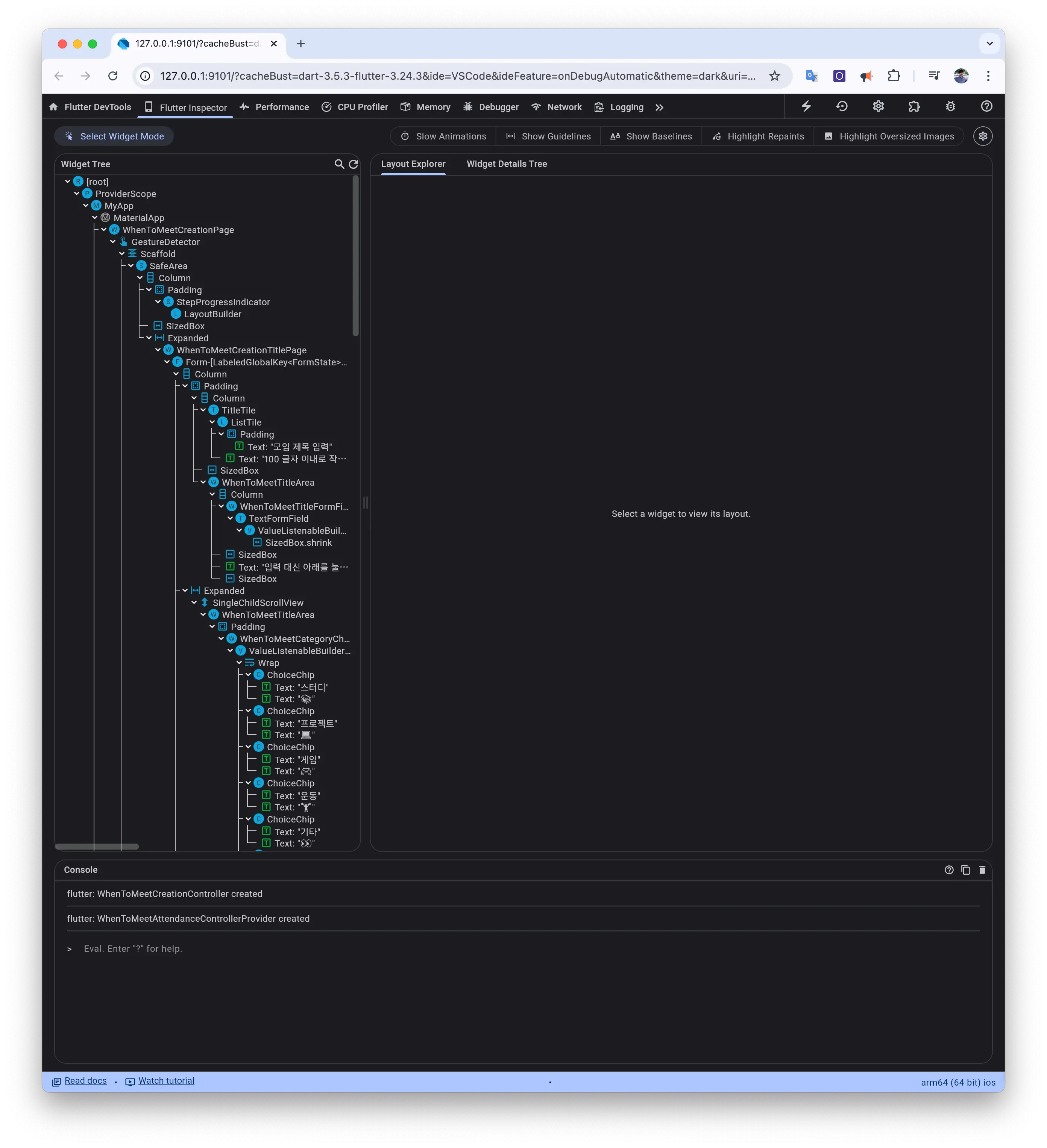
After adding this code and starting dev mode, you should see something like this in Chrome browser.
The purpose of life is the life of purpose.
— Robin Sharma