
I've been developing a Flutter project and learned a new shortcut that I want to share. It seems like something that could be used frequently, and I figured many people might not know about it.
Let me explain by opening a Dart file. You'll notice that types aren't explicitly shown in some parts of the code. You can hover over a variable to see its type, but there's a faster way to check all of them at once.
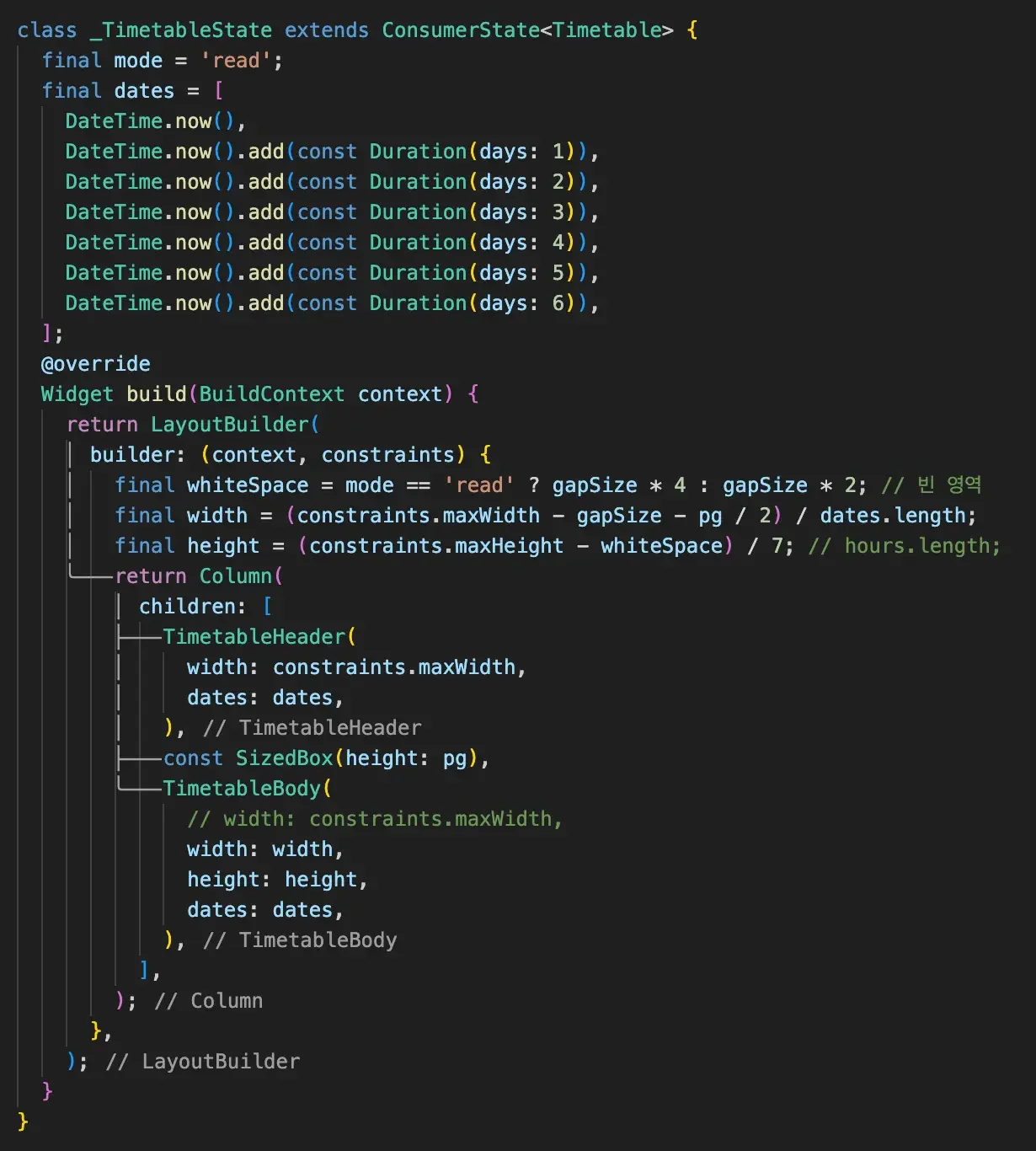
The trick is to press Ctrl + Option (on Mac).
Then you'll see the applied types displayed like in the image below. Since it toggles each time you press the shortcut, just use it whenever you need to check. Pretty handy!
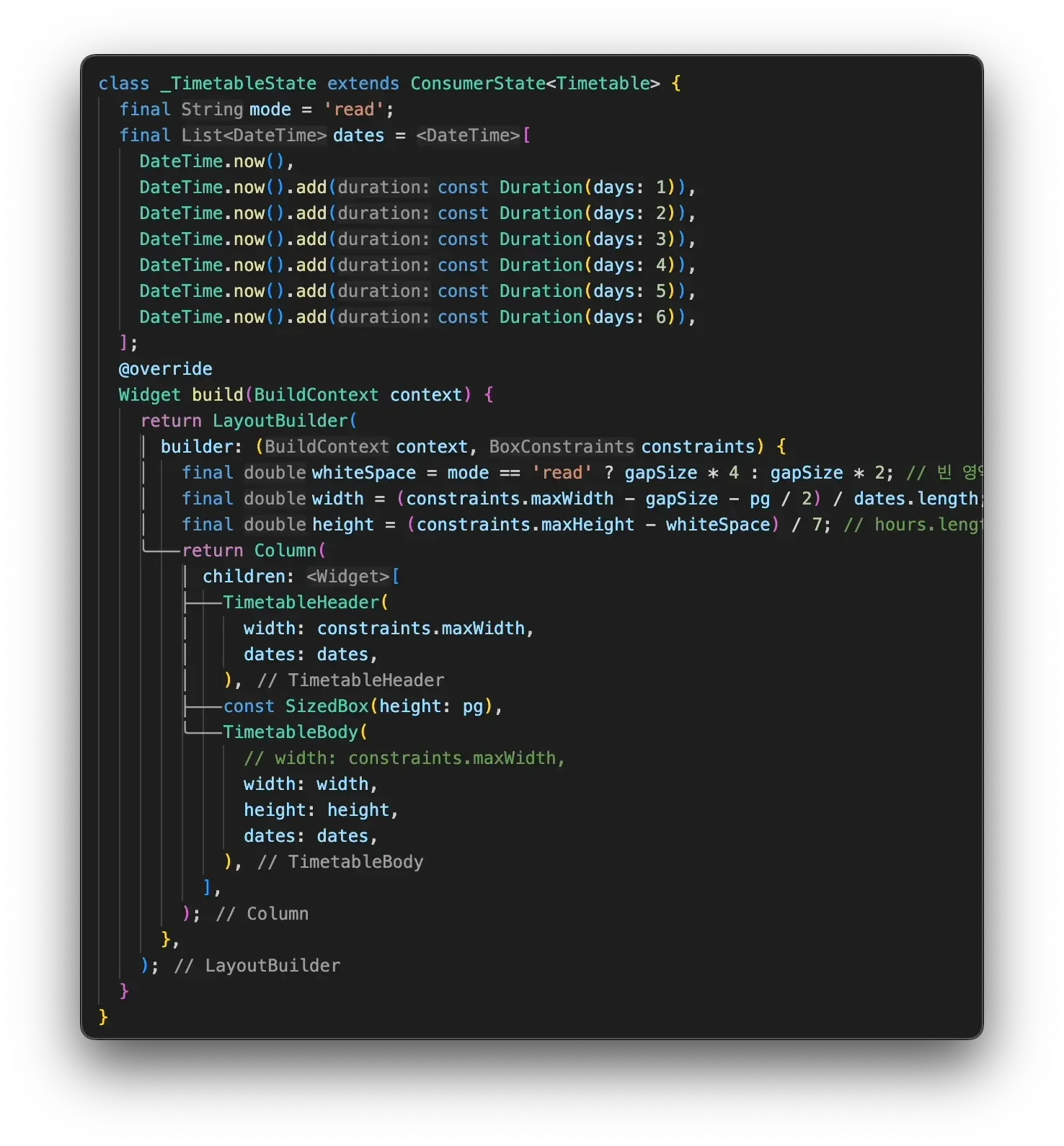
I couldn't capture a screenshot while pressing the shortcut, so I recorded a video and captured from that. Please excuse the different image sizes.
I hope this tip helps! I'm sure everyone's building something with VS Code — wishing you all great results!
What matters is the value we've created in our lives, the people we've made happy and how much we've grown as people.
— Daisaku Ikeda