
While developing a Flutter project, hot reload suddenly stopped working properly.
The root cause was BuildOwner.scheduleBuildFor() called inappropriately, but since I didn't know how to fix it, I followed Gemini's advice and ran flutter clean. Then I ran flutter pub outdated, which told me that several packages could be upgraded.
I upgraded those packages using flutter pub upgrade --major-versions.
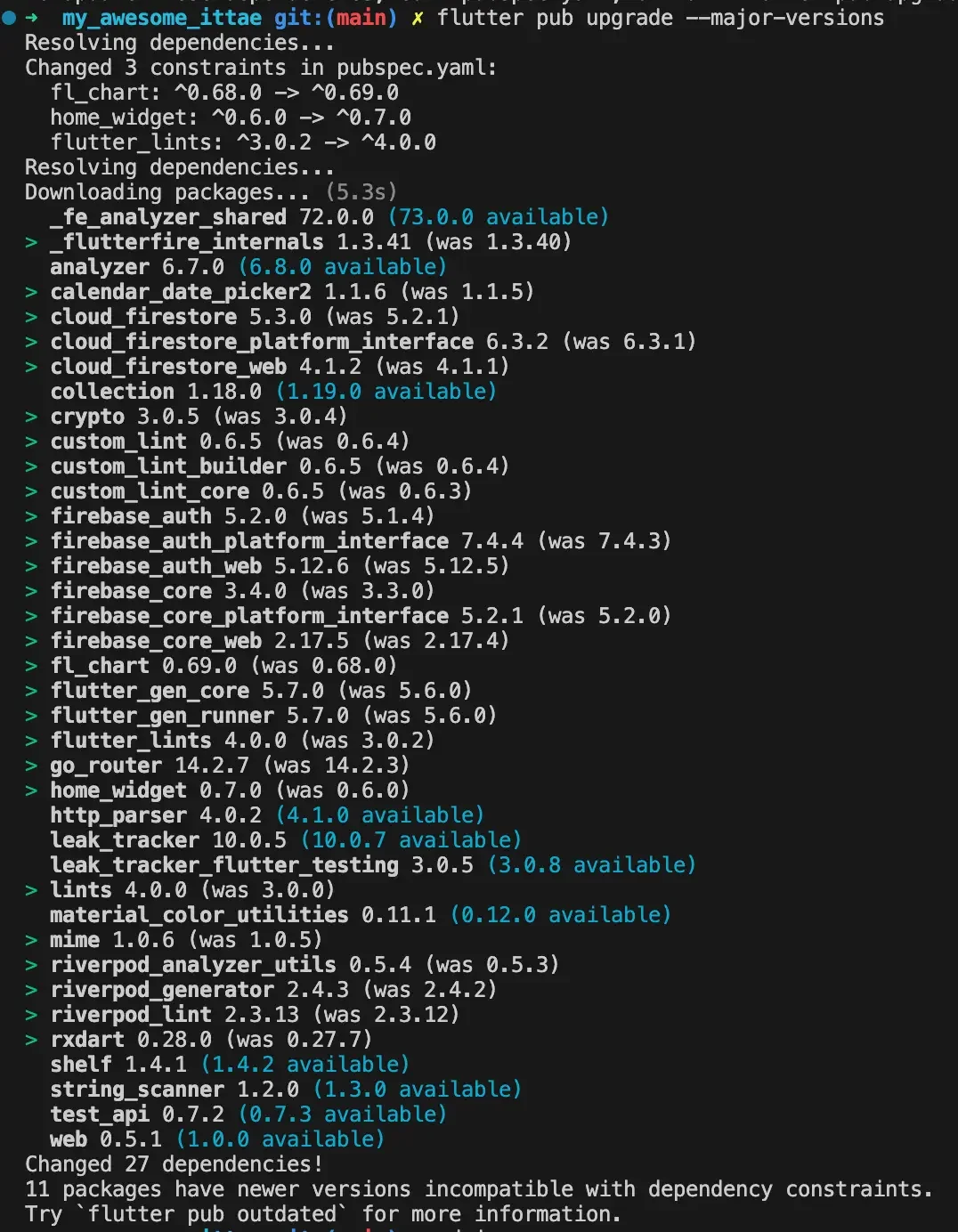
Just when I thought everything was done and tried to run the project, Firebase-related packages caused issues and it wouldn't run. I couldn't even verify whether the original issue was fixed before running into a new error.
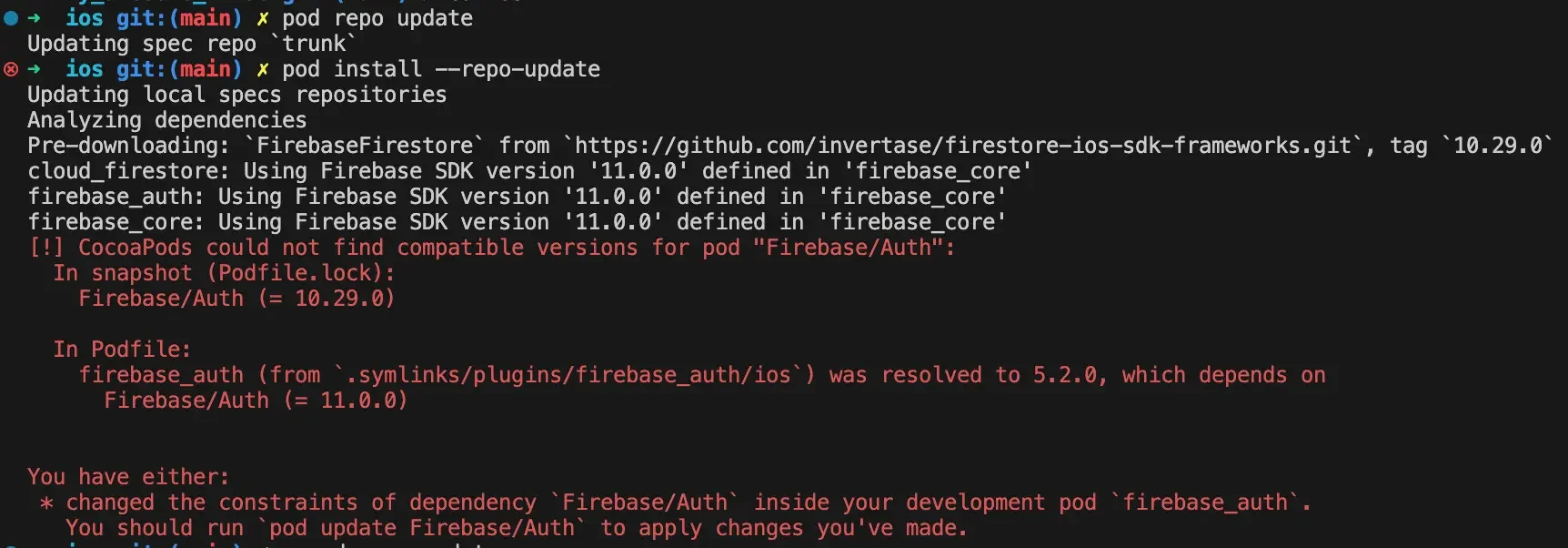
I remembered adding something to ios/Podfile, so I bumped the version like below. I had originally added this code because it makes the build finish faster when using Firebase.
target 'Runner' do
  use_frameworks!
  use_modular_headers!

  pod 'FirebaseFirestore',
    :git => 'https://github.com/invertase/firestore-ios-sdk-frameworks.git',
    :tag => '11.0.0'

  flutter_install_all_ios_pods File.dirname(File.realpath(__FILE__))
  target 'RunnerTests' do
    inherit! :search_paths
  end
end
Even after bumping the version and hitting F5 in VS Code to build in development mode, the project still had issues and wouldn't run.
When running, there was yellow text in the DEBUG CONSOLE telling me to try something, so I tried pod repo update and pod install --repo-update, but they didn't solve the issue.
Then I followed the instruction to try pod update Firebase/Auth, and the build completed successfully.
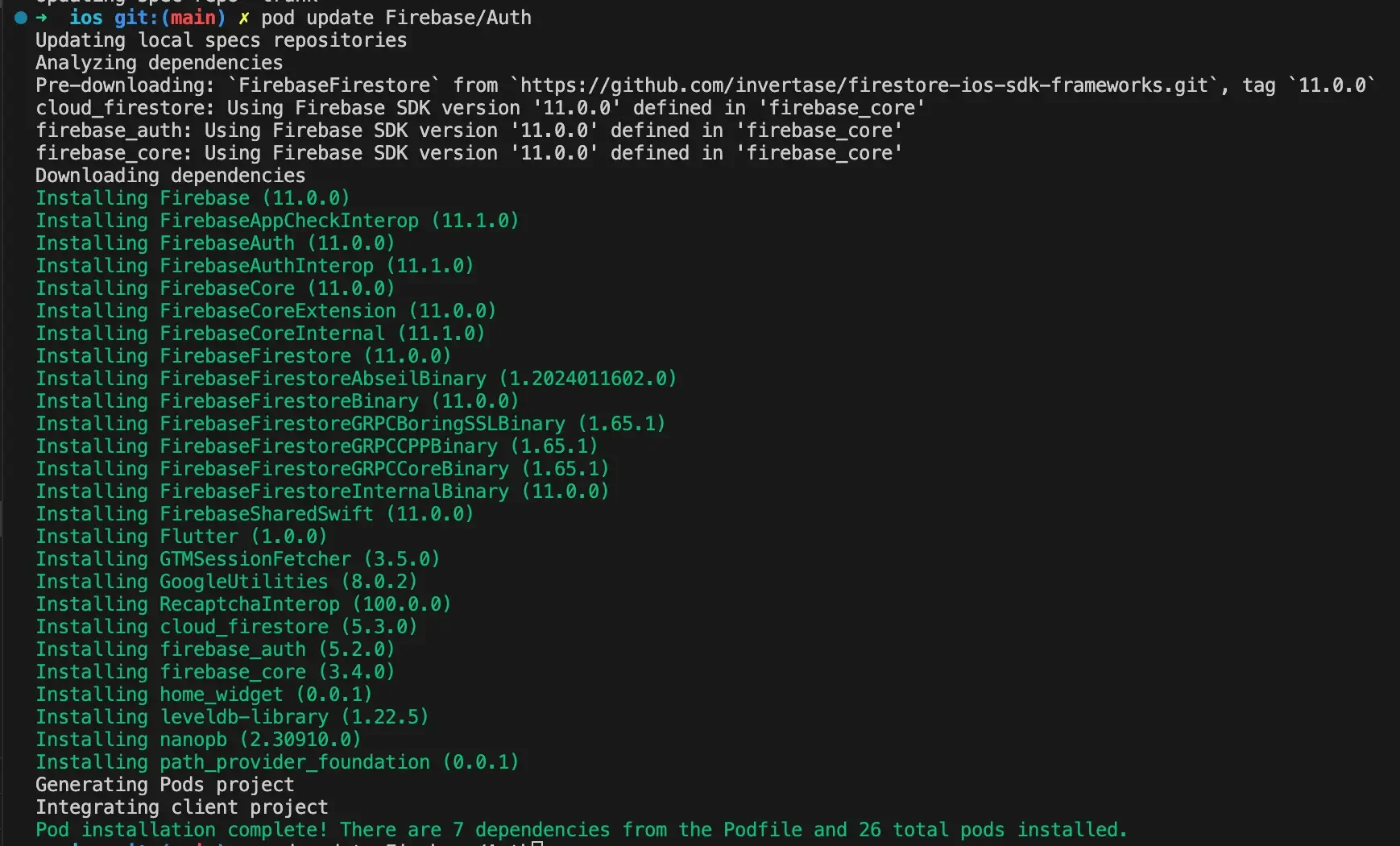
If you've upgraded package versions and Firebase-related things aren't working, try running pod update on the problematic package!
The lure of the distant and the difficult is deceptive. The great opportunity is where you are.
— John Burroughs